Steps
- Click Import geometry.

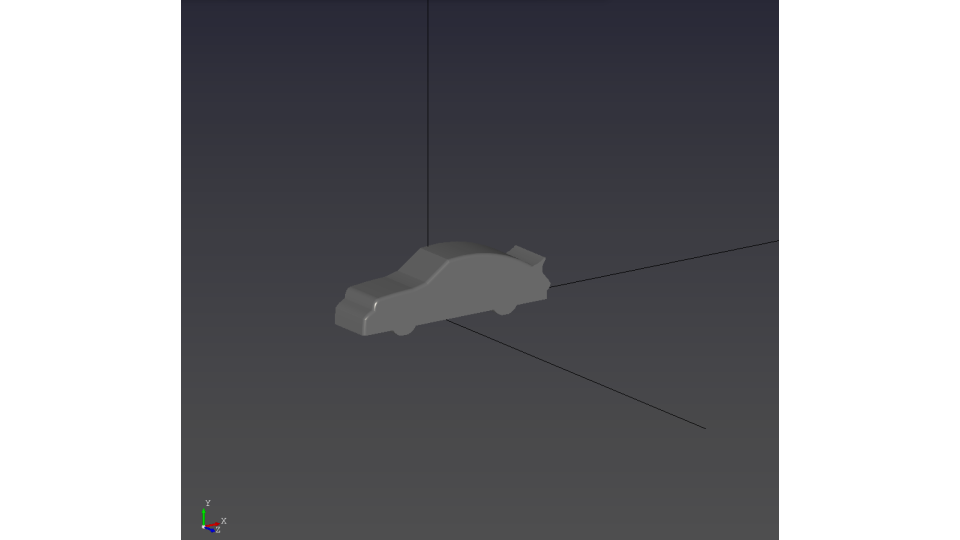
- Choose a STEP file and open it. Inspect the imported model and its dimensions before continuing.
Purpose · Steps · Inputs and units · Limitations · Related topics
Load external CAD geometry from a STEP file.
| Input or value | Meaning | Units |
|---|---|---|
| CAD file | STEP geometry selected in the file dialog. | .step or .stp |
| Dimensions | Check the displayed extent against the expected physical size. | Current display length units |