Steps
- Select the Combine tool.

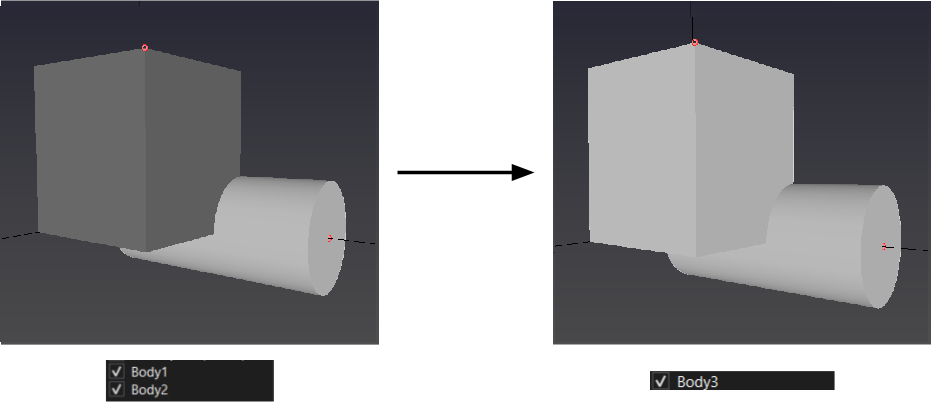
- Click the first body, then the second body with the left mouse button.
Purpose · Steps · Inputs and units · Limitations · Related topics
Merge touching or overlapping solid bodies with a Boolean union.
| Input or value | Meaning | Units |
|---|---|---|
| Bodies | Two solids to merge. | No numeric input |