
Solution → Create monitoring point/face
Create monitoring point
- Use the Monitoring point/face panel to create monitoring entities.
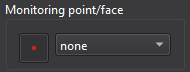
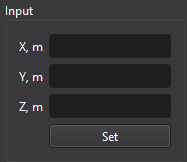
- Monitoring point: select Point, then enter the X, Y, and Z coordinates in the Input panel.
- Monitoring face: select a face from the drop-down list. The list contains available boundary faces (patches).
Tips
- Empty coordinate fields are interpreted as zero.