
Solution → Monitoring
Purpose · Steps · Inputs and units · Limitations · Related topics
Purpose
Follow selected physical quantities at monitoring points or boundary faces during a run.
Steps
- Create monitoring points or faces and choose their variables in Monitoring entities.
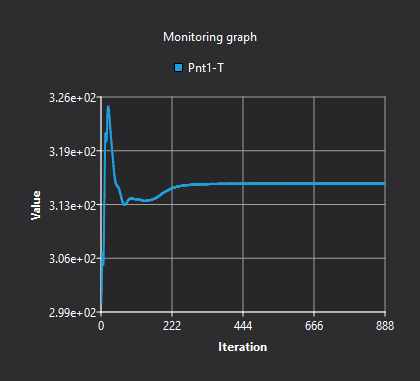
- Start or resume the solver and inspect the Monitoring graph.
- Use Autoscale, or disable it to zoom and pan manually. Compare trends with residuals and balance indicators.
Inputs and units
| Input or value | Meaning | Units |
|---|---|---|
| Monitored quantity | The selected field or face quantity. | Variable-dependent; read the graph label |
| Horizontal axis | Iteration or solver time according to the case. | Read the graph label |