
Solution → Monitoring entities
Monitoring entities
- The Monitoring entities panel lists all points and faces selected for monitoring.
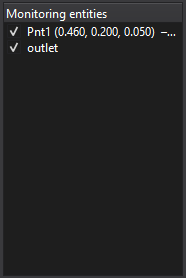
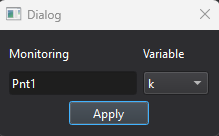
- Click an entity in the list to open a dialog where you can assign a variable to monitor.
Limitation
- The list of available variables depends on the selected physical models.