
Setup → View window
Setup view window
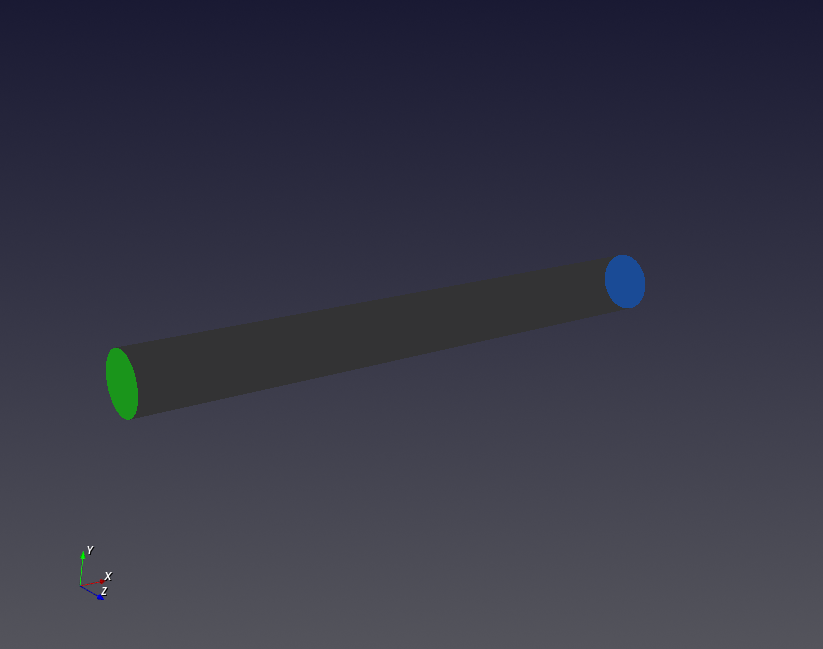
- The model with assigned boundary conditions is displayed in the Setup view window.
-
Boundary patches are color-coded to improve visibility:
- Inlet: green
- Outlet: blue
- Wall: gray
- Symmetry: yellow
Tips
- Clicking a boundary in the Boundaries panel briefly highlights the corresponding face in the view window.