
Result → Post transient
Transient post-processing
- Select the required time to postprocess results or use forward <-> back buttons.
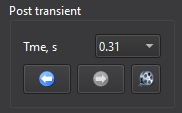
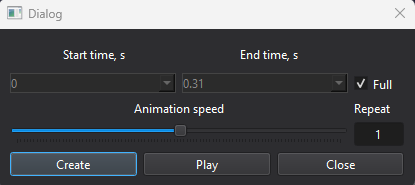
- Click the animation button to call the Animation dialog. Select start and end time or use the
full range, set speed and number of repeats. Click Create to generate animation. It can be played with
Play. The animation is saved in Result folder.
Tips
- The created post point is displayed as a red marker in the Result view window.