
Result → View window
Result view window
- The Result view window displays the model together with all enabled post-processing
entities (points, lines, planes, contours, and vectors).

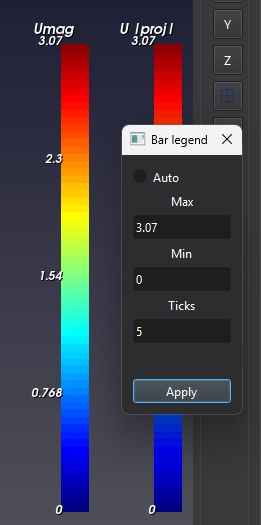
- The Color bar can be customized with LMB. The minimum and maximum limits, as well
as the number ot ticks, can be adjusted.
Tips
- Use the Post entity panel to show or hide elements in the Result view window.