
Result → Post line
Post-processing on line
- Create a post-processing line by selecting the Line tool.

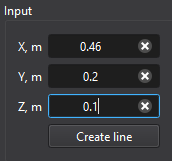
- Define the line by entering two points in the Input panel (start and end coordinates).
Tips
- The created post line is shown in green in the Result view window.