
Result → Post entity panel
Post entity panel
- The Post entity panel lists all post-processing entities (points, lines, and planes).
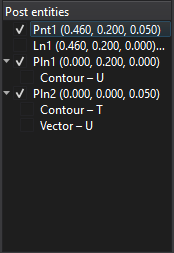
- Use the checkbox to show or hide an entity in the Result view window.

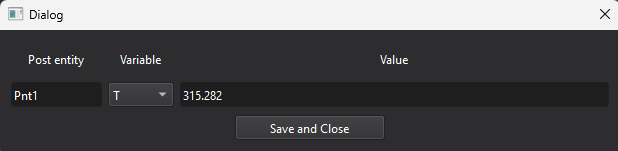
- Click a post point to open a dialog showing the value of the selected variable at that point.
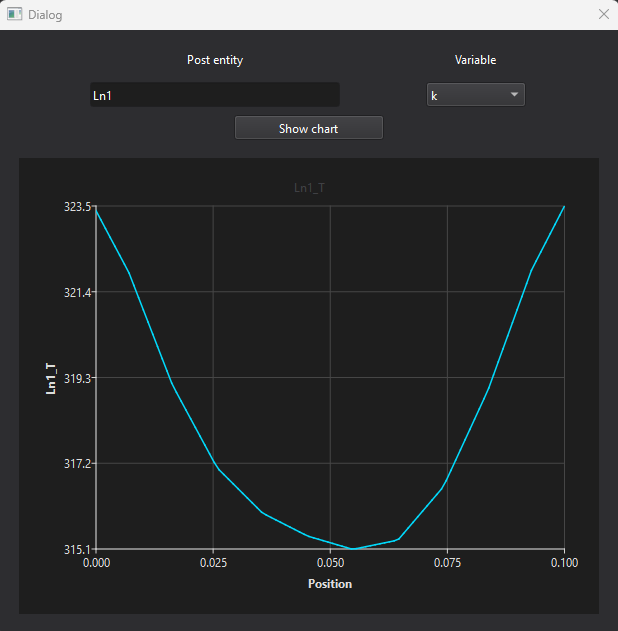
- Click a post line to open a dialog showing a chart of the selected variable along the line.
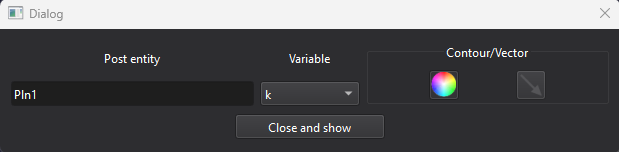
- Click a post plane to open a dialog where you can choose the variable and plot type (contour or vector).
The selected plot is then displayed in the Result view window.
Tips
- To delete a post entity, open the context menu with the right mouse button (RMB).