
Mesh → View: Scale
Purpose · Steps · Inputs and units · Limitations · Related topics
Purpose
Display a length reference while inspecting the mesh.
Steps
- Enable Scale in the Mesh view controls.

- Compare the X, Y, and Z reference lengths with the feature or cell sizes being inspected.
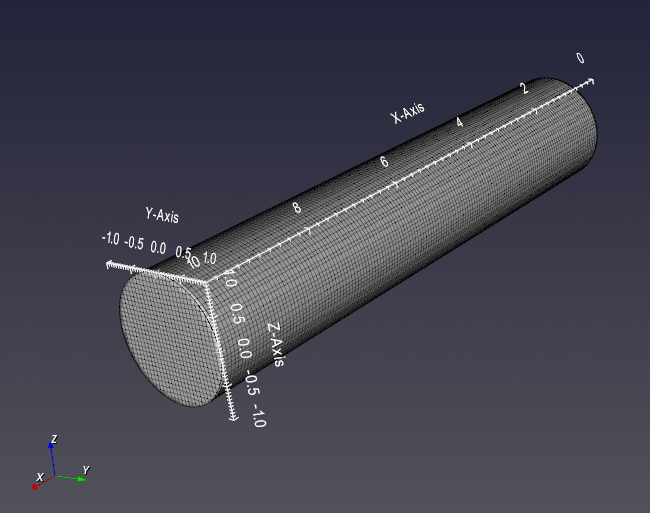
Inputs and units
| Input or value | Meaning | Units |
|---|---|---|
| Reference lengths | Read-only scale in the three global directions. | Current display length units |