
Mesh → Refinement
Refinement
- Select the refinement level using the refinement control.

- Refinement increases mesh resolution locally near wall surfaces. Higher refinement levels
improve the ability to capture boundary effects and surface curvature, but increase mesh generation time.
- Level 0: no refinement (fastest; coarsest mesh near walls).
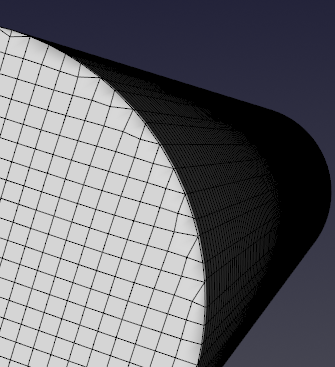
- Levels 1–3: increasing refinement near wall surfaces (more detail; slower mesh generation).
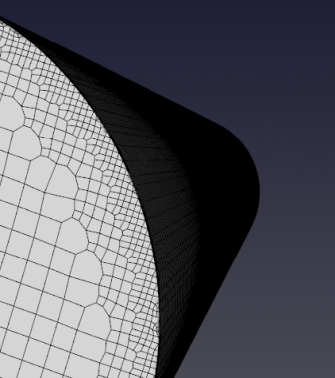
Example (level 2):
Tips
- For complex geometries, mesh generation at level 3 may take significantly longer.