
Mesh → View: Cut along in x, y
View: Cut along x, y, z
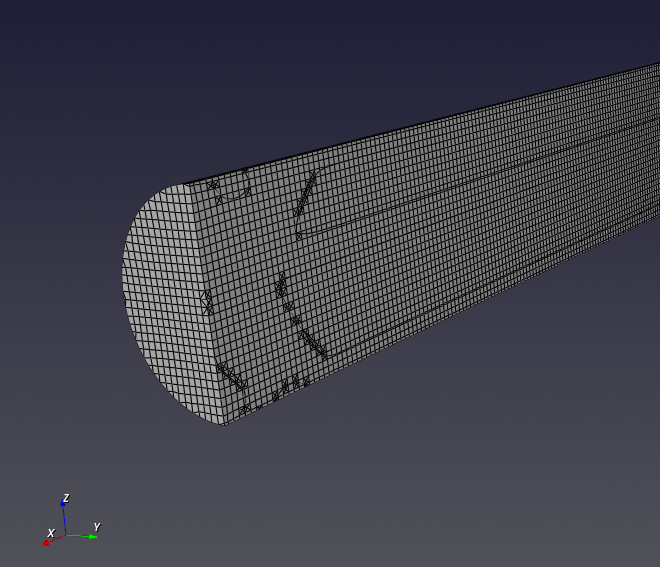
- The Cut tool provides three axis buttons and a slider for mesh clipping.

- Select X, Y, or Z to cut the mesh along the corresponding axis.
Use the slider to move the cutting plane along the selected axis.
Tips
- For large meshes, the slider response may be delayed.
- Visual mesh artifacts may appear during cutting