
Geometry → View: Wireframe
View: Wireframe
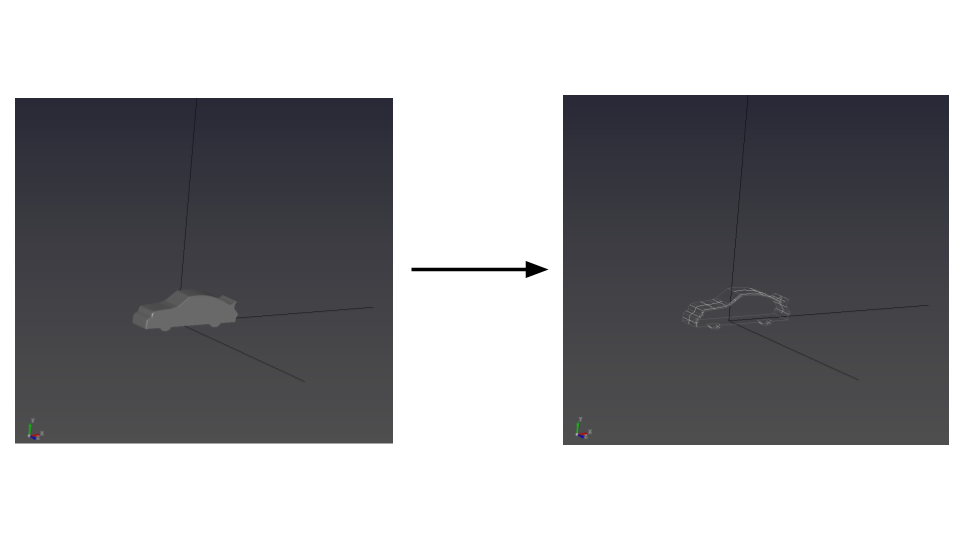
- Select the Wireframe tool to switch the display mode to wireframe.

- Click the wireframe button to display the geometry as wireframe in the View window.
Tips
- Wireframe mode can help when looking inside the geometry or selecting internal points.