
Geometry → View: x, y, z directions
View: x, y, z directions
- Select the View tool to switch between standard viewing directions.
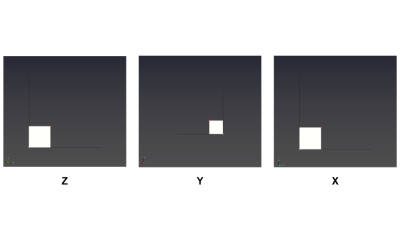
- Select X, Y, or Z to align the view with the corresponding axis direction.
Limitations
- Only positive axis directions are available. Negative-axis views and custom rotations are not provided.