
Geometry → Translate geometry
Translate geometry
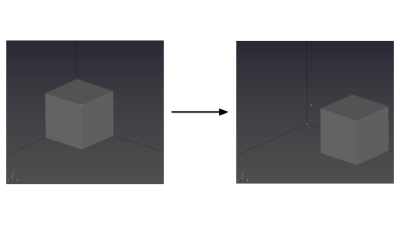
- Select the Translate tool to move geometry entities.

- Select a geometry entity (point, line, surface, or body), then enter the translation distances in the Input panel.
Tips
- Translation distances are applied in the global X, Y, and Z directions.