
Geometry → Create surface
Create Surface
- Select the Surface tool to start surface creation.

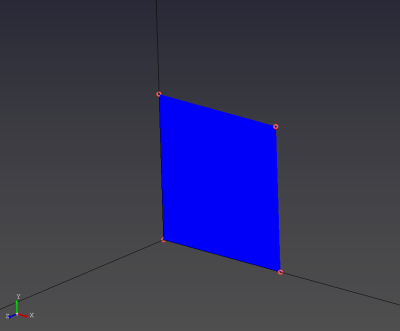
- Create a surface by selecting four points on the same plane with the left mouse button (LMB).
Tips
- Select the points in order around the perimeter (clockwise or counter-clockwise). Selecting points in a crossing (“X”) order will fail.