
Geometry → Rotate geometry
Rotate geometry
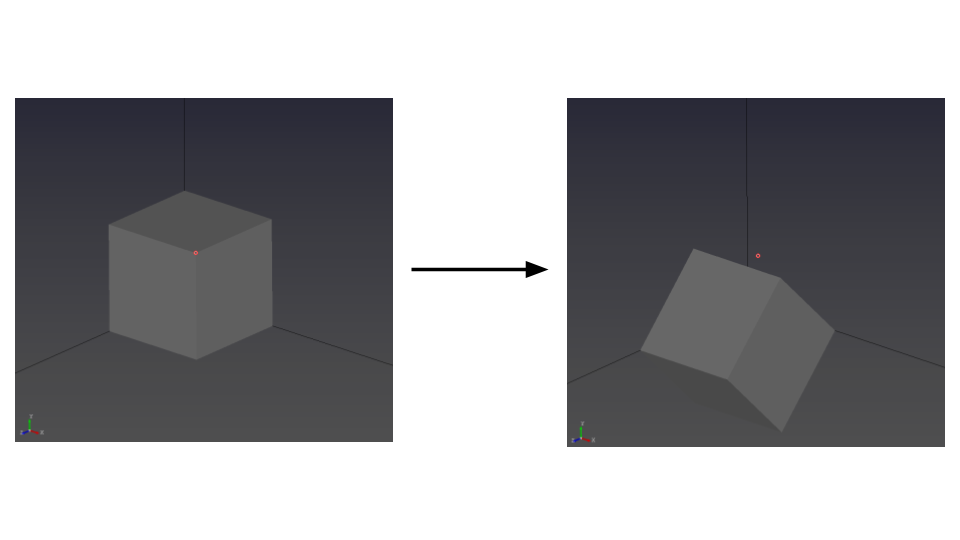
- Select the Rotate tool to rotate geometry entities.

- Select a geometry entity (point, line, surface, or body), then enter the rotation angles in the Input panel.
Rotation angles α, β, and γ correspond to rotations about the X, Y, and Z axes.
Tips
- Rotation angles are applied relative to the global axes. Double-check the axis directions before applying rotation.