
Geometry → Pull face
Pull face
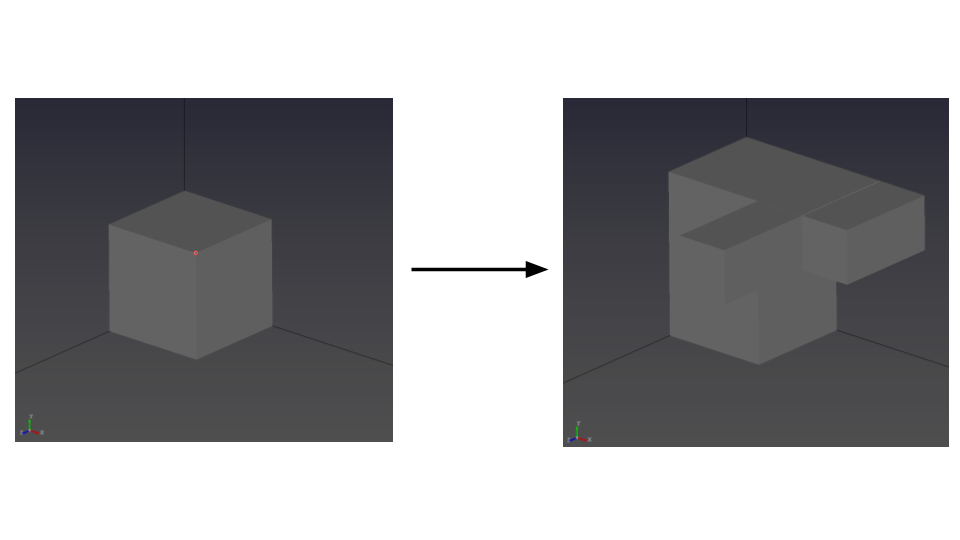
- Select the Pull tool to start a pull (extrusion) operation.

- Select a face, then enter the pull distance Δl in the Input panel.
The selected face is pulled along its normal direction.
Limitations
- The Pull operation requires a planar face. Non-planar faces cannot be pulled.