Geometry → Create line
Create Line
- Select the Line tool to start line creation.

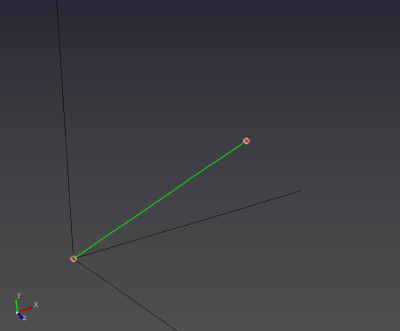
- Create a line by selecting two points with the left mouse button (LMB).
Limitations
- This tool creates straight line segments only.

Computational Fluid x-Dynamics (CFxD)
Break the boundaries!