Skip to content
Geometry → Geometry view window
Geometry view window
- All geometry objects in the current project are displayed in the Geometry view window.
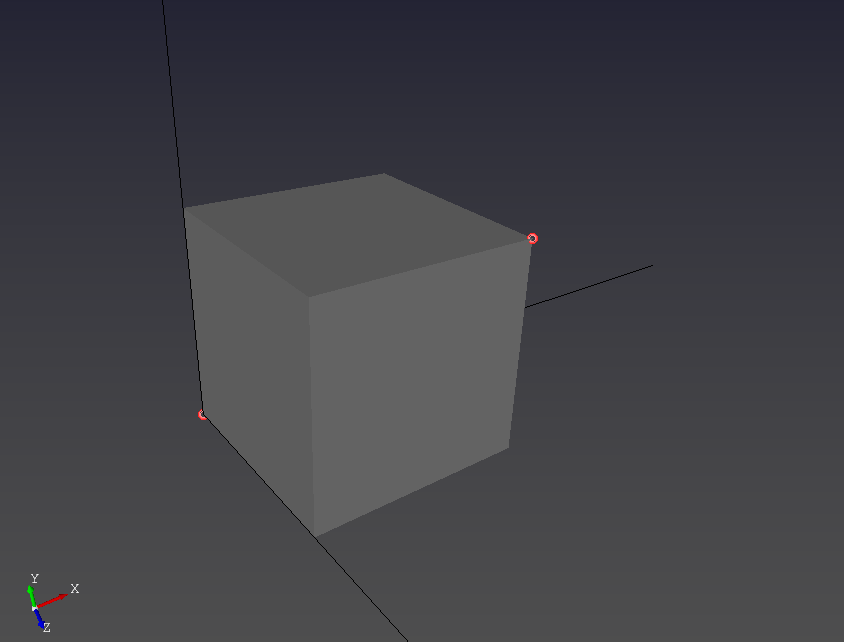
- Rotate the view using the middle mouse button (MMB).
- Pan the view while holding the right mouse button (RMB).
- Create new geometry by selecting the required objects with the left mouse button (LMB), depending on the active tool.
- Right-click (RMB) on an entity to open the naming/rename mode (or naming context menu).
Tips
- Click empty space to clear the current selection and remove highlights.
Back to main menu
