
Geometry → Create edge surface
Purpose · Steps · Inputs and units · Limitations · Related topics
Purpose
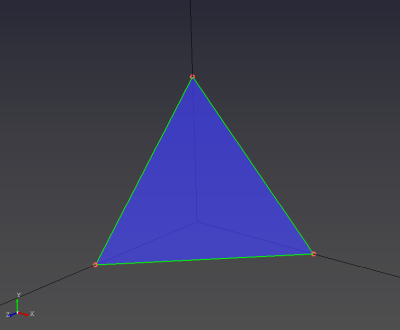
Create a surface bounded by three connected edges.
Steps
- Select the Edge Surface tool.

- Click the three connected boundary edges with the left mouse button.
Inputs and units
| Input or value | Meaning | Units |
|---|---|---|
| Boundary edges | Three edges forming a closed loop. | No numeric input |