
Geometry → Cylinder creation
Create Cylinder
- Click Cylinder tool.

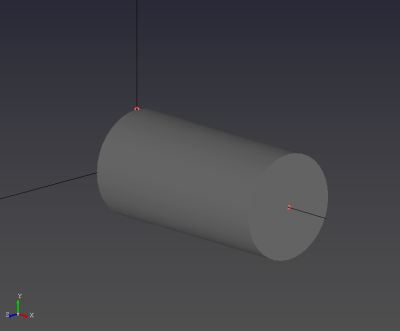
- Select three (3) points using left mouse button (LMB): first central point, second point on radius, third point on height.
Tips
- The points must be selected in the order Center → Radius → Height; changing the order may create an incorrect shape or cause a software error.