
Geometry → Create curve
Create Curve
- Select the Curve tool to start curve creation.

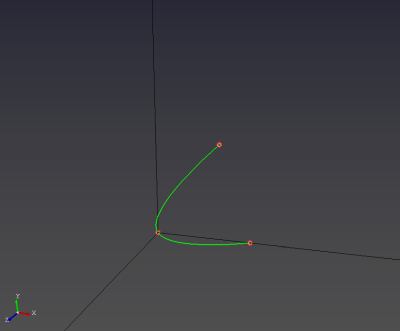
- Create a curve by selecting three points with the left mouse button (LMB).
Tips
- If all three points are collinear, the curve will appear as a straight line. Choose a non-collinear third point to create curvature.