
Geometry → Create cone
Create Cone
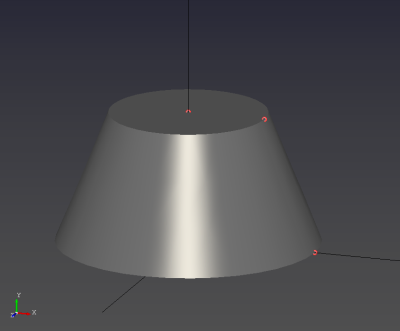
- Select the Cone tool to start cone (frustum) creation.

- Create the cone by selecting four points with the left mouse button (LMB):
(1) bottom center, (2) bottom radius point, (3) top center, (4) top radius point.
Limitations
- The height direction (line between the two center points) must be perpendicular to both radius directions (bottom and top).