
Geometry → Create circle
Create Circle
- Select the Circle tool to start circle creation.

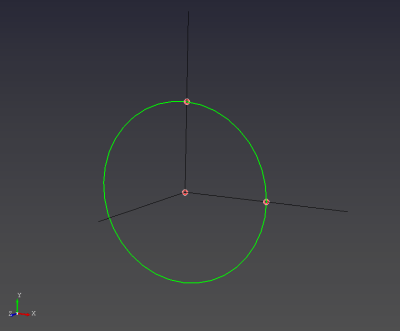
- Create the circle by selecting three points in the following order: (1) center point,
(2) first radius point, (3) second radius point.
Limitations
- The circle is defined by a center and two radius points. Both radius points must be at the same distance from the center (same radius).
- The three points must not be collinear (otherwise the circle plane cannot be defined).