
Geometry → Create body
Purpose · Steps · Inputs and units · Limitations · Related topics
Purpose
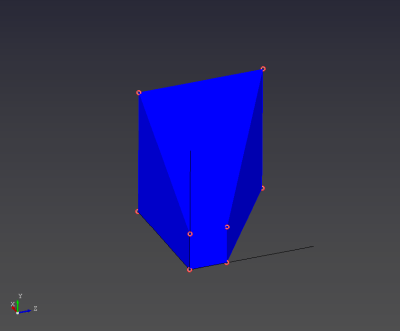
Build a solid volume from six existing faces.

Inputs and units
| Input or value | Meaning | Units |
|---|---|---|
| Faces | Six faces forming one closed shell. | No numeric input |
Limitations
- The faces must meet along their edges and enclose a watertight volume. Open shells cannot be used as solid simulation domains.