Steps
- Inspect the model in Setup view.
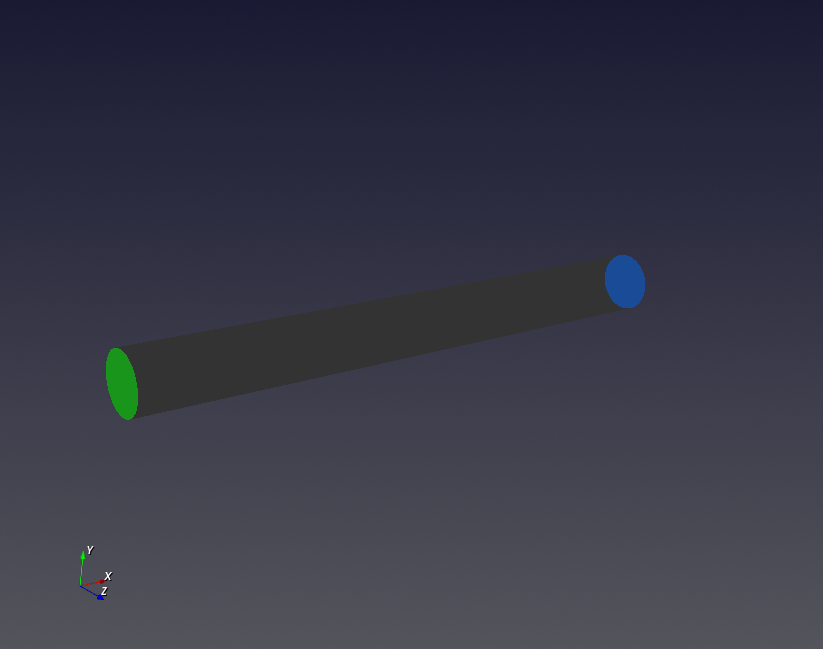
- Click a boundary in the Boundaries panel to highlight its face.
- Use the boundary colors as a guide: inlet green, outlet blue, wall gray, and symmetry yellow.
Purpose · Steps · Inputs and units · Limitations · Related topics
Check boundary assignments and identify the corresponding model faces.
| Input or value | Meaning | Units |
|---|---|---|
| Patch selection | Boundary category or named patch. | No physical units |