Steps
- Select the Rotate tool.

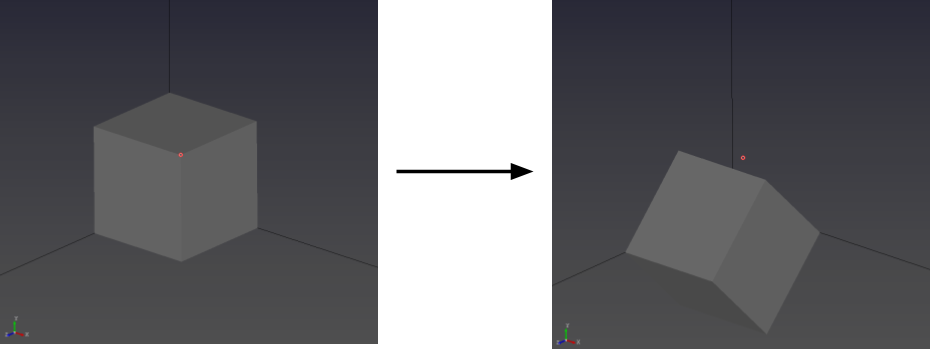
- Select the entity, then enter α, β, and γ in Input and apply the rotation.
Purpose · Steps · Inputs and units · Limitations · Related topics
Rotate a geometry entity about the global coordinate axes.
| Input or value | Meaning | Units |
|---|---|---|
| α, β, γ | Rotation angles about global X, Y, and Z respectively. | Degrees |