Steps
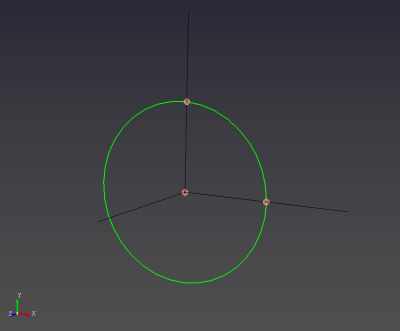
- Select the Circle tool.

- Click the center, then the first radius point, then the second radius point.
Purpose · Steps · Inputs and units · Limitations · Related topics
Create a full circle in a plane defined by three points.
| Input or value | Meaning | Units |
|---|---|---|
| Points | Center and two radius points at the same distance from the center. | Point coordinates use Geometry length units |