Steps
- Select the Box tool.

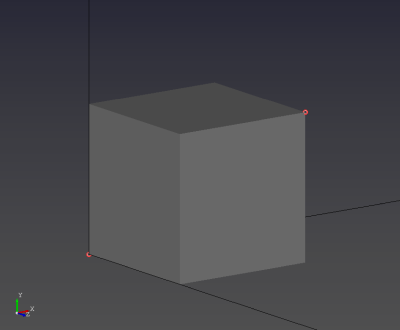
- Click two existing points at opposite diagonal corners of the box.
Purpose · Steps · Inputs and units · Limitations · Related topics
Create an axis-aligned solid box from two opposite corners.
| Input or value | Meaning | Units |
|---|---|---|
| Diagonal corners | Two points with different X, Y, and Z coordinates. | Point coordinates use Geometry length units |